Configuring the Flow
Settings is where you set up Hooby Flow for your whole workspace: its name and business hours, your subscription, and who gets access. To open it, click the gear beside your HubSpot account name at the top of the Hooby Flow sidebar. The gear is there whether the sidebar is open or collapsed.
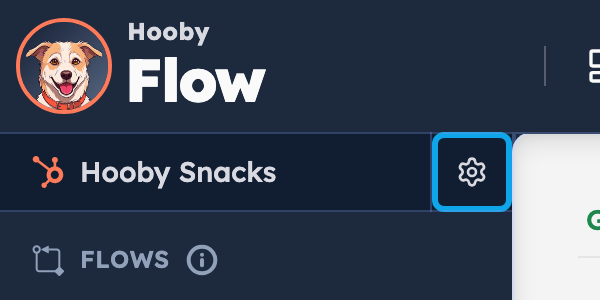
The Settings gear, beside your HubSpot account name.
Settings opens beside the sidebar, with its panels listed on the left. Click a panel to open it. The panels you see depend on your plan and your role: Partner Listing and Partner Program are only on HubSpot Partner plans, and only Admins see Billing and User Access.
All Plans
Every workspace has these panels, whichever plan it's on.
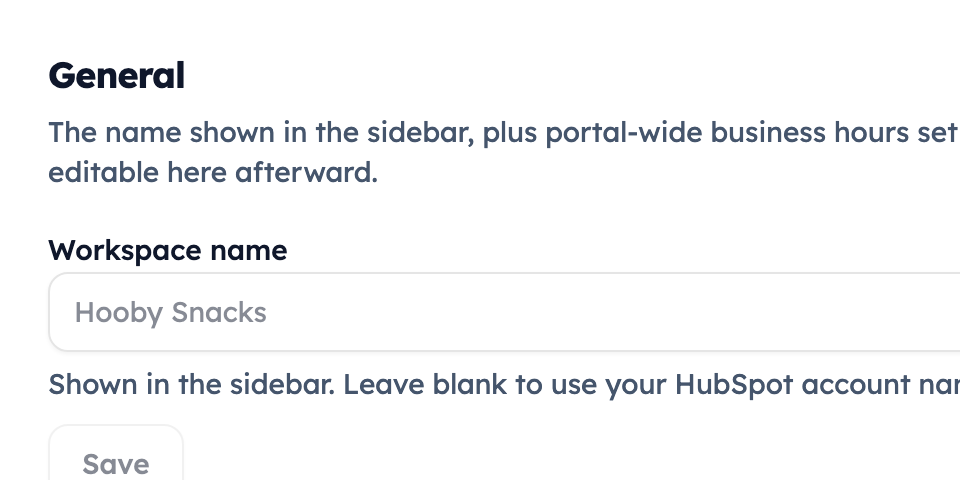
Name your workspace and set your business hours.
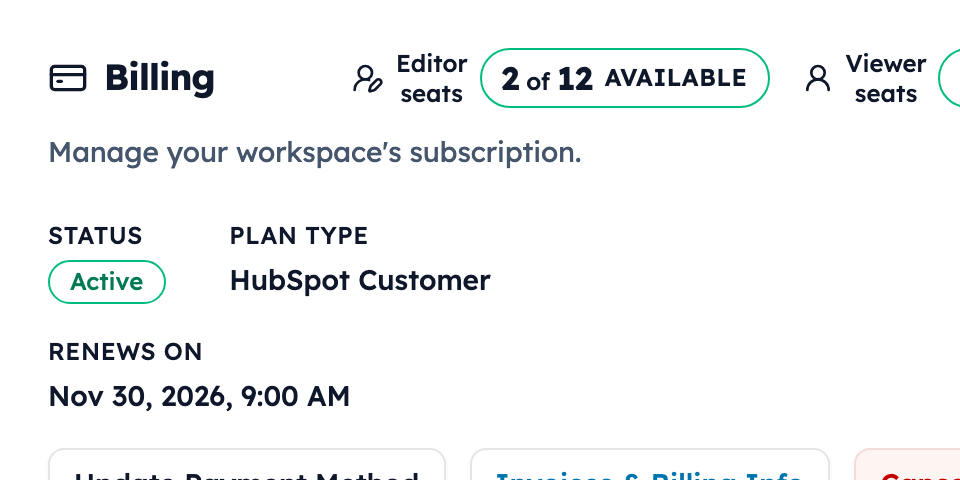
See and change your subscription, seats, payment method and invoices.
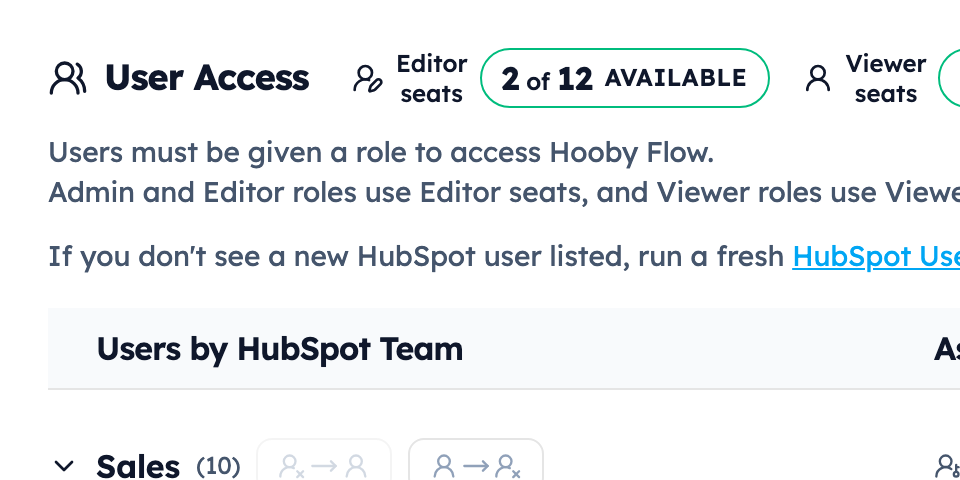
Decide who in your HubSpot portal gets Admin, Editor, Viewer or no access.
Partner Plans Only
These panels are only on HubSpot Partner plans, for how your firm shows up to its clients.
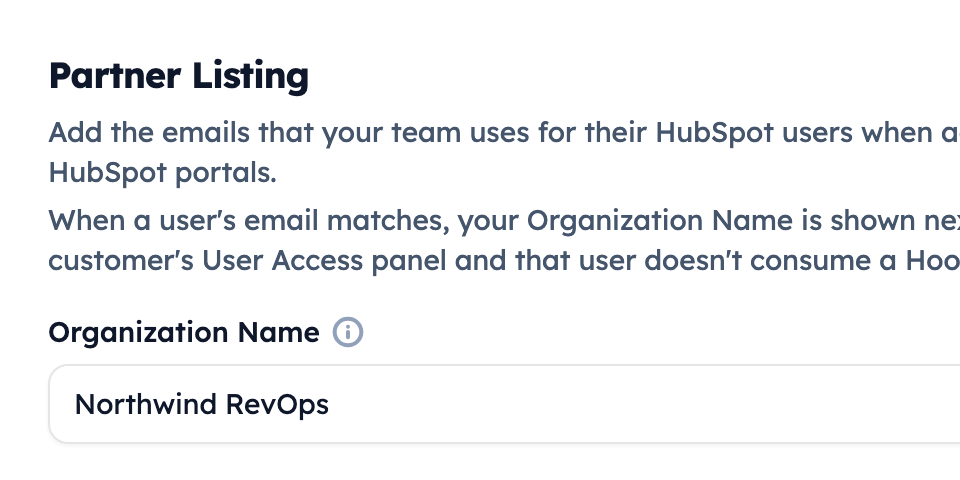
Name your organization and list the emails your consultants use in clients' portals.
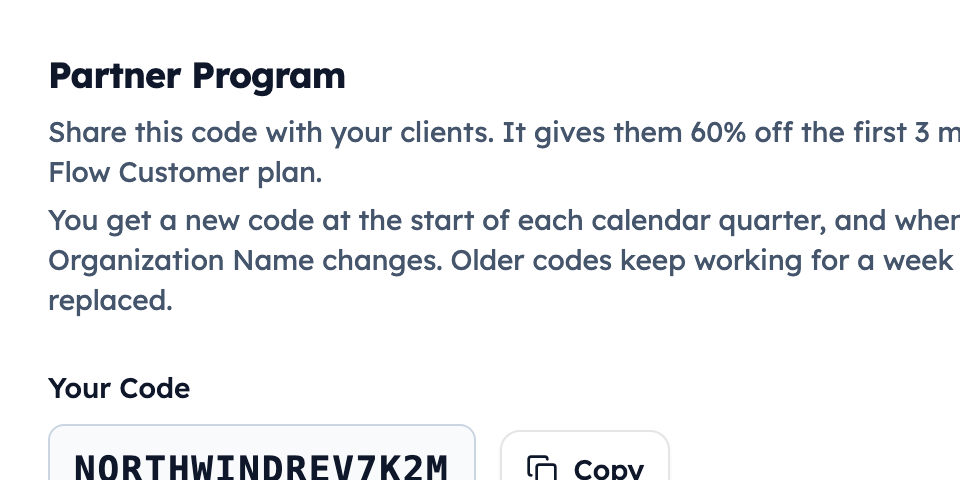
Share your client discount code, and see who's subscribed with it.