
Partner Listing
The Partner Listing panel is only on workspaces with a HubSpot Partner plan. It tells your clients' Hooby Flow workspaces which of their HubSpot users are your consultants. To open it, click the gear at the top of the Hooby Flow sidebar, then choose Partner Listing in the Settings panel list.
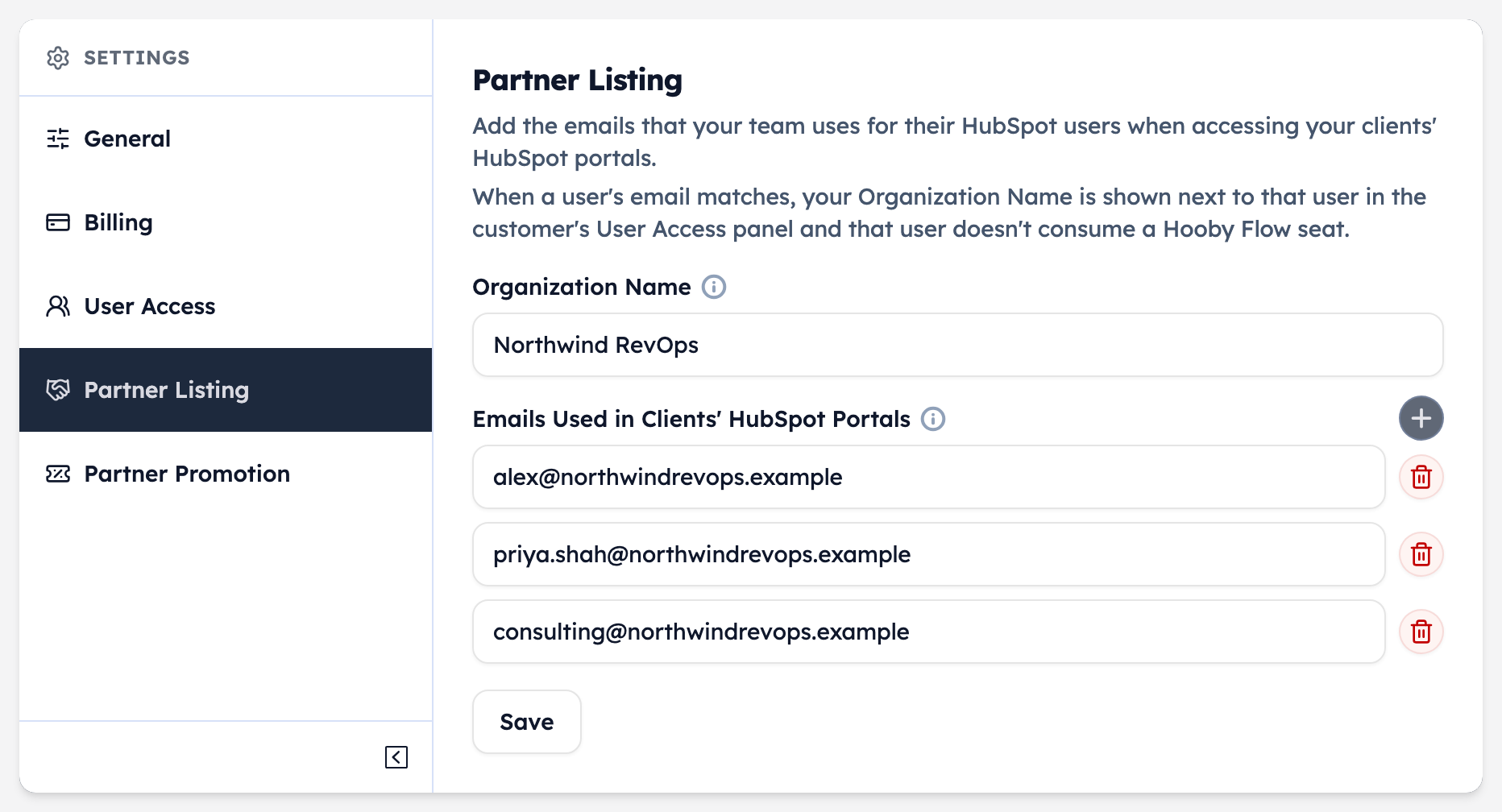
Organization Name
Your agency or consultancy's name, as your clients will see it.
Emails Used in Clients' HubSpot Portals
The email addresses your consultants use for their HubSpot users in your clients' portals. Click + to add an email, and the trash icon to remove one. Then click Save.
When one of these emails matches a user in a client's portal, the client's User Access panel shows your Organization Name beside that user. That user doesn't use one of the client's Hooby Flow seats.

Admins and Editors can change Partner Listing. Viewers can see it.