
Service Teams
Service teams stay calm while the customer isn't. Someone is waiting on an answer, the ticket has already bounced between two people, and the right next step depends on what kind of problem it is, who the customer is, and what's already been tried. A lot of what a good agent knows came from the last time it went wrong.
Flows put that knowledge on the ticket. Your escalation paths, your handoffs and this week's known issues sit on the HubSpot records your agents already work, so the right answer is in view when the pressure's on.
How Flows help service teams
Escalations follow a plan, not a guess. A Decision puts each escalation call where it's really made: by severity, by plan tier, by whether it's a bug or a question. Every agent follows the same path, and nobody has to decide under pressure who to call.
Every ticket stage says what happens there. A ticket's stage tells an agent where it sits. A Flow tells them what gets done before it moves on, what the customer has to confirm before it closes, and what happens when they don't reply.
Handoffs are defined before they're needed. Most of the shouting starts at a handoff: from sales to onboarding, from onboarding to support, from first line to an engineer. Mapping each one, with a Next Flow from the end of one process to the start of the next, makes sure the customer never falls between two teams.
What's automated is visible. Put your routing and SLA Workflows on the Steps they support, so agents know what HubSpot already did, and what it didn't.
It's on the record. Flow Cards show the right Flows on every ticket, contact and company, so the plan is in view while the customer is on the line.
Flows for service teams
These Flow Library patterns are the best place for a service team to start. Each one is built out for Hooby Snacks, so you can see it working, then copy it into your own portal and make it yours.
Your pipelines
Your ticket pipelines are where your agents spend their day. The Pipeline Flow breaks a long pipeline into short phase Flows, puts each stage's detail in a Child Flow, and links the end of each pipeline to the start of the next. Its example also shows the handoff from a closed deal into customer onboarding, so you can see exactly where sales hands the customer to you.
Break apart long pipelines into a sequence of pipeline Flows. Add your HubSpot workflows as accessories so everyone knows what's automated. Connect the ends of each pipeline to the start of the next to ensure no balls are dropped.

The example follows Hooby Snacks' deal pipelines, but the same principles apply to every pipeline you run in HubSpot, including your ticket pipelines.
Breeze AI in your service process
Breeze has a lot to offer a service team. Its customer agent answers common questions on chat and email from your knowledge base and help docs, and hands over to a person when it can't. In the help desk, Breeze summarizes a ticket for whoever takes it over, drafts replies for an agent to edit and send, and helps sort and route new tickets. Its customer handoff agent, in beta at the time of writing, compiles an account's history when a customer moves from onboarding to support.
Getting good results from it takes trial and error: the knowledge base wording that lets the customer agent answer correctly, the prompt that turns a long thread into a summary an engineer can act on, the edits a draft reply always needs. The Breeze AI Flow is where your team writes down what's worked. For each Step where agents use Breeze, a Child Flow records the techniques that have proven themselves, so every agent starts from the team's best practice instead of their own guesswork.
Breeze AI is a powerful tool, but learning to use it effectively takes time and plenty of trial and error. For all the steps where your teams use Breeze in their processes, add a child Flow to record the proven techniques that work best.
The tools around HubSpot
Agents work in more than the help desk. They escalate bugs to engineering in Jira, record a fix in Loom, issue refunds in Stripe, post an incident on the status page, and swarm a hard ticket in Slack or Microsoft Teams. The Technical Flow walks through each of those jobs screen by screen, with annotated screenshots, so the steps are the same whoever is on shift.
For each tool your team regularly uses, and for every workflow they repeatedly do in that tool, create a Flow that documents what to do. Capture screenshots & annotate them with extra context.
What agents need to know right now
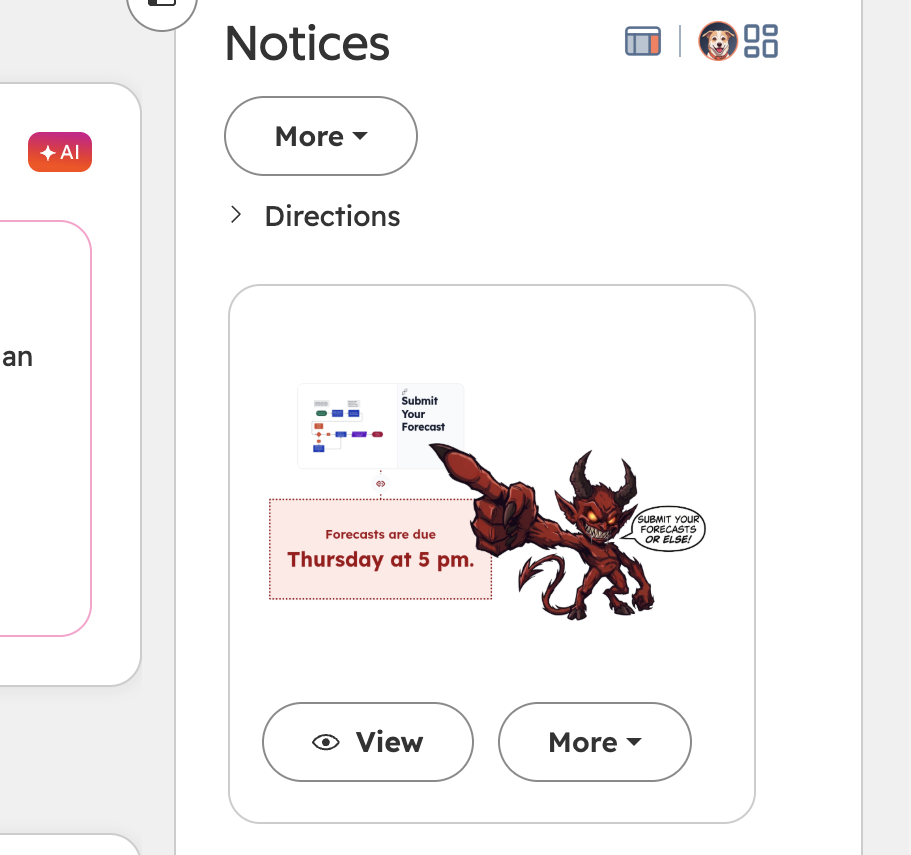
An outage, a known bug with a workaround, a change to the refund policy. The Bulletin Flow puts one message on every ticket an agent opens, where it can't easily be ignored, and links to the Flow that shows what to do about it.
Nag your teams in the most effective way possible. Put a bulletin they can't easily ignore on every HubSpot record they work.
Your queue reviews and churn reviews
Service runs on recurring meetings too: the daily queue check, the weekly escalation review, the monthly look at the customers who left. A Recurring Meeting Flow maps what each one needs going in, what it decides and what it sends out. A Meeting Prep Flow maps what each person brings, and when it's due. The example is a monthly meeting where customer success brings churn, ranked by revenue lost, to the same table as sales, marketing and product.
For each meeting, fully map what information is needed, what decisions need to be made, and what artifacts need to be created and distributed. Link the relevant Flows so they can be easily accessed in each meeting.
Work backwards from your recurring meeting Flows to document what prep work is required from each member, ensuring you have everything you need to run your meetings efficiently & successfully.
New agents
A new agent learns the most from the tickets that go wrong, and you'd rather they didn't learn it on a customer. The Onboarding Flow maps what every hire does first, then forks by role into each role's own onboarding, which teaches the real Flows they'll work instead of a copy of them.
Define the common onboarding steps for new hires, then branch by team or role to define the specific onboarding steps for each. Give them space in your Flow Pages so everyone can easily find them.
Vacation cover
Tickets keep coming when an agent takes a week off, and the customer shouldn't notice. The Vacation Flow maps what each role hands over before they go, what their cover does while they're away, and what they take back when they return.
Your people go on vacation. It's good for them. Make life easier for those not on vacation by carefully defining what handoffs need to be made per role when your people step away and when they return.

The Onboarding and Vacation examples are written for Hooby Snacks' sales roles. Keep the shape, the common steps first and then a fork by role, and swap in your support, success and escalation roles.