
General
The General panel holds the settings that apply across your whole workspace: the name shown in the sidebar, and your business hours. To open it, click the gear at the top of the Hooby Flow sidebar, then choose General in the Settings panel list.
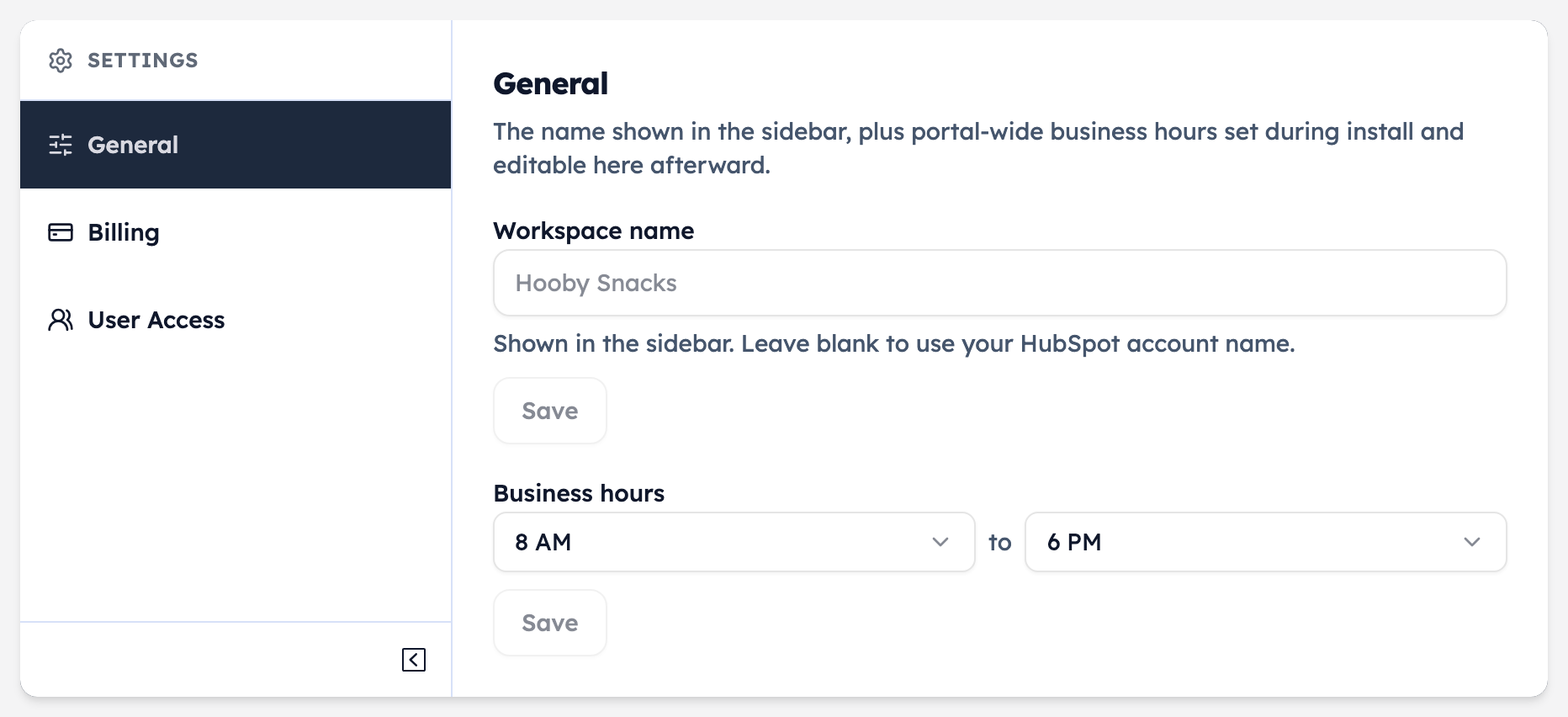
Workspace Name
The name shown at the top of the Hooby Flow sidebar. Leave it blank to use your HubSpot account name. Type a new name and click Save.
Business Hours
Your workspace's working day, from a start time to an end time. Business hours are set during setup, and you can change them here. Hooby Flow uses your HubSpot account's time zone for them.
Hooby Flow times its daily work by your business hours. After the end of business each day, it records that day's changes to your Flow Cards and Flow Pages. Choose new times and click Save.

Only Admins can change General settings.