

Why Hooby Flow?
Getting Started
Guides
Anatomy of a Flow
Viewing Flows
Editing Flows
Flow Cards
Flow Pages
Flow Strategies
Flow Library
Workspace Settings
Troubleshooting
Viewing FlowsInside Hooby Flow
Flow Pages Configurator
The Flow Pages Configurator creates Flow Pages: pages in HubSpot for Flows that aren't about any one record, like a team's processes or onboarding. Each page is made of titled sections of Flows, and every page is listed on Flow Home.
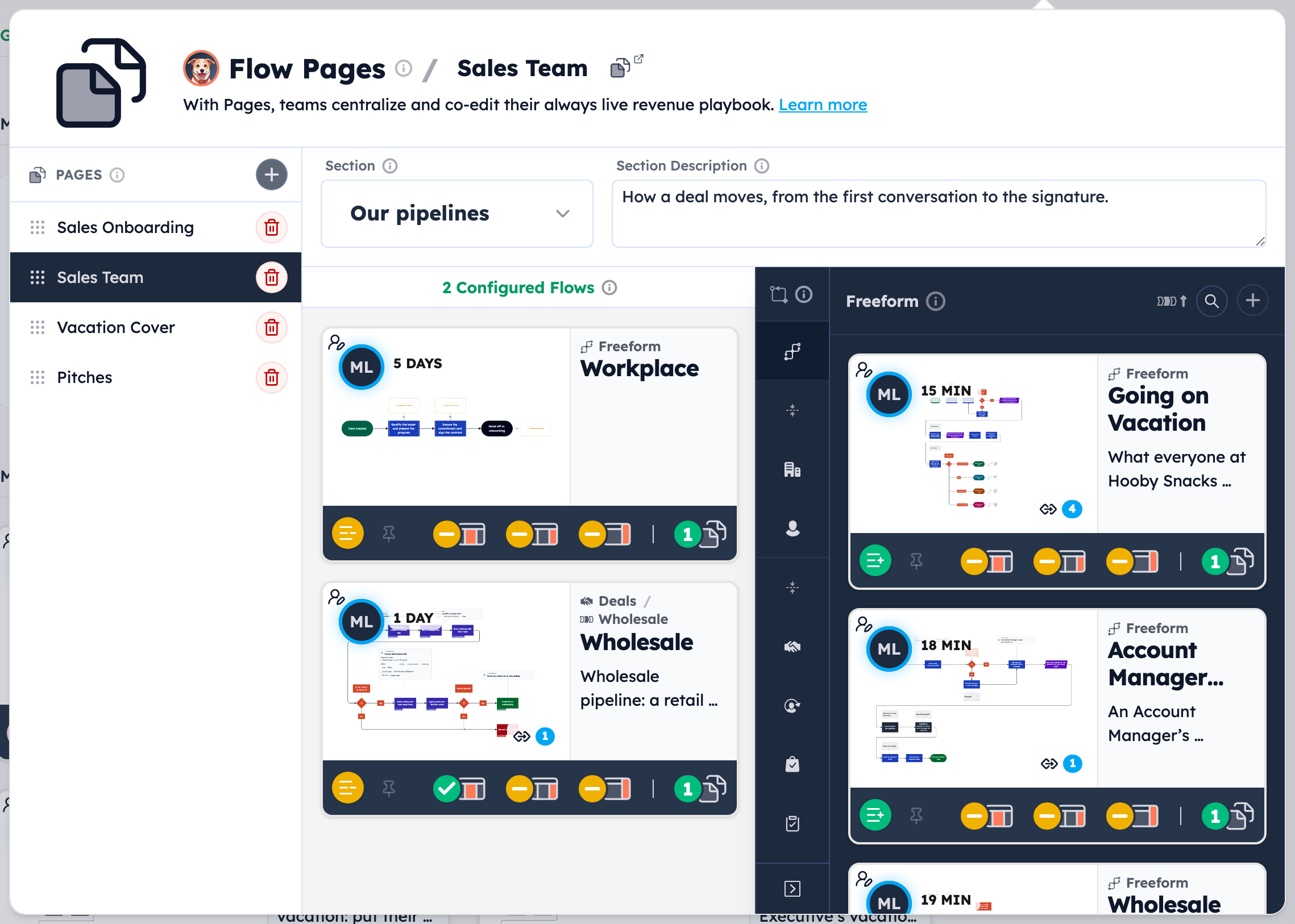
Opening it
- From the Header. The Pages button in the Header opens the configurator.
- From a Flow card. The Pages button on a Flow card opens it on that page.
- From HubSpot. On Flow Home, Configure Pages and each page's Configure Page open it, and on a Flow Page, Configure Flow List opens it on that section.
Every part of the configurator, from adding and ordering pages to their sections and Flows, is covered in Configuring Flow Pages.
On this page